Animated captions inside the scene, not pasted on top
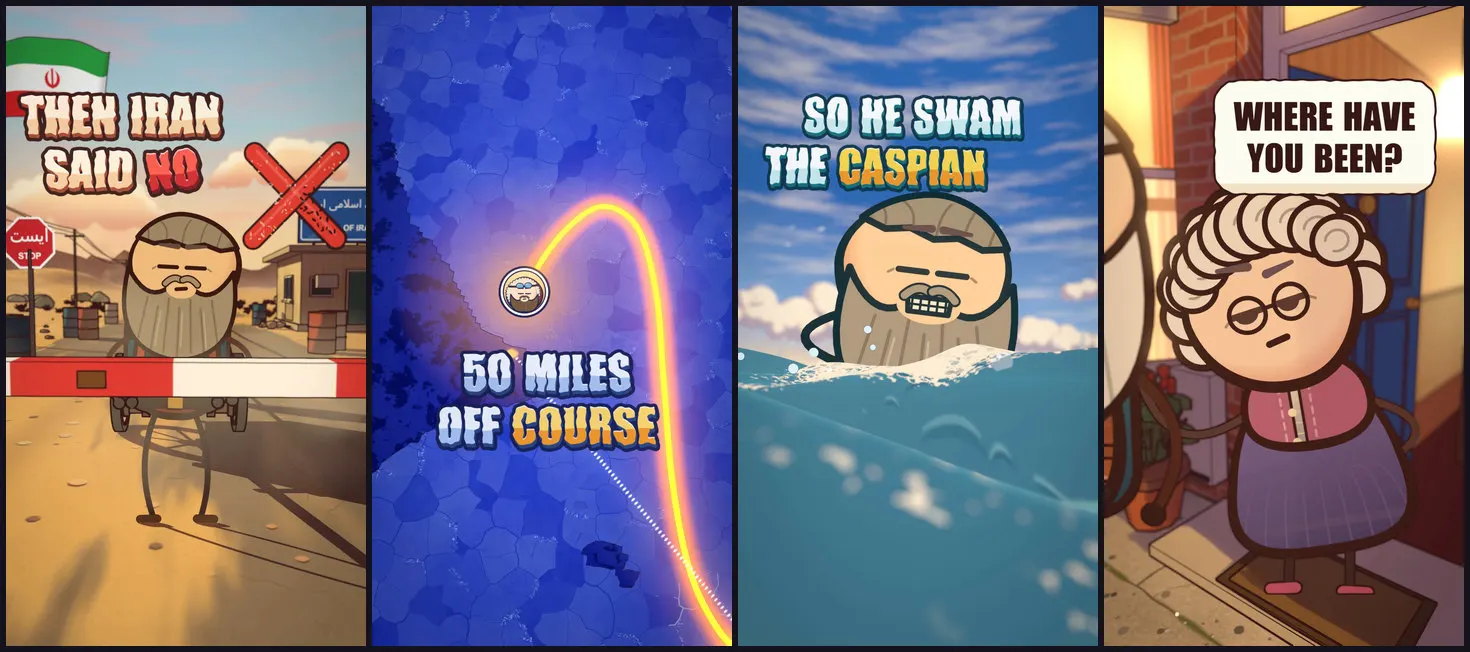
Short answer: instead of laying text over the finished video, you place each caption in the 3D scene and render it through that shot's real camera. The words stand on the ground, lean with the lens, carry with camera moves and cast shadows like any object. It takes more work than an overlay, and there are cases where you should fall back to one.
Written by the Buy Agent Skills team. Updated 8 November 2026.
Overlay captions vs in-scene captions
| Overlay | In-scene | |
|---|---|---|
| Made | After render, on top of the video | During render, inside the shot |
| Camera moves | Text stays fixed in screen space | Text moves with the world |
| Look | Matches your editor's font | Matches the film's ink, colours, shadows |
| Cost | Cheap, easy to translate or restyle | Needs the shot's camera data and a re-render to change |
How the pack does it
In the Cartoon Films pack, captions are an optional step after the sound. Each caption is planted in the shot through its real camera, using the camera data saved for the film:
- Letters stand on the ground, lean with the lens and carry with the camera.
- They cast a shadow along the sun and use the shot's ink and colours.
- Characters pass in front of them only when that hides almost nothing.
- On globe shots and steep-down lenses, text floats flat instead.
- A character's spoken line can be a speech bubble that tracks the head.
- Numbers are shown as digits.
The style is chunky block letters with the film's own ink, a two-tone fill and a short extrude. The word being spoken lights up gold.
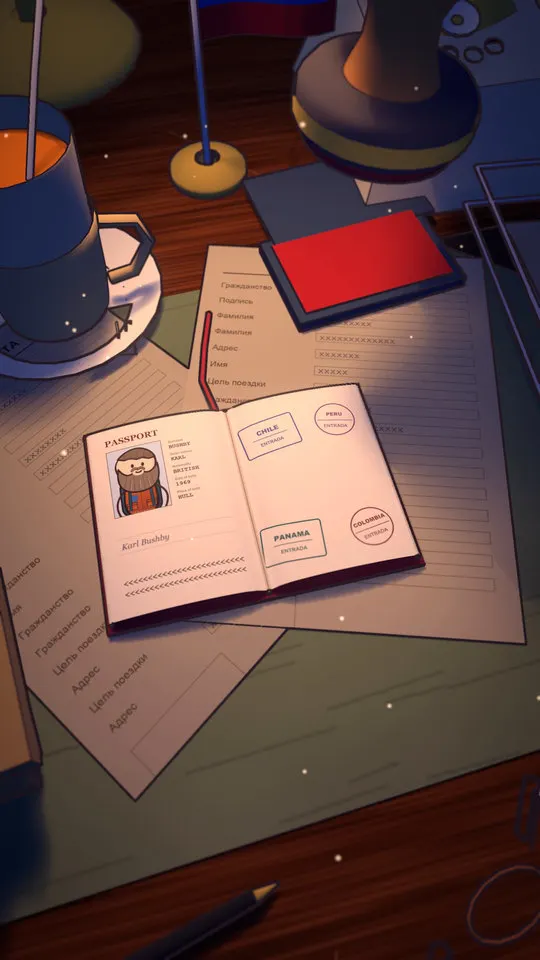
You always get a clean master as well as the captioned copy. The pack's rule: post the captioned one, keep the clean one for other languages or later edits.
How word timing is aligned
Narration produces word-level timings, and every caption event and visual reaction is timed to those words. The pack's rule is that a reaction lands 0 to 3 frames before its word. If the picture timing changes after the sound is made, run the sound again.
Readability on a phone
Vertical shorts are 1440 x 2560. The pack's checks keep captions:
- Inside the frame (on the demo film, 2,102 captioned frames and none touching the edge)
- Out of the phone's interface zones
- Off faces
A pixel comparison between the clean and captioned files shows any frame where caption pixels reach the edge, and a separate script checks caption spelling against the spoken word.
Audio
Final mix is -14 LUFS with about -1 dB peak. Captions do not change the sound, but if you edit timing to fit them, re-run the soundtrack.
When to fall back to overlay captions
- You need translated or restyled captions for many languages (keep the clean master for this).
- A shot has fast camera motion and the planted words stop reading.
- You have no camera data for footage that did not come out of the pipeline.
Where Cartoon Films fits
The Cartoon Films pack includes the caption system and the checks above. See the 12-step pipeline guide for where captions fit in the process and the faceless Shorts guide for the rest of the channel workflow.
Watch the demo Short on YouTube
FAQ
Do captions help retention? Many viewers watch with sound off, so captions help them follow the story. We have no figures and make no promises about results.
Can I translate the captions? Keep the clean master and treat translation as a separate caption pass. We have not tested translation in the pack.
Are captions required? No. They are optional. If you do not ask for them, the pipeline adds none.
Does it work outside macOS? Only macOS on Apple Silicon has been tested.